镜头光晕 · Lens Flare · ▶ 在线运行案例
案例合集: 三维可视化功能案例(threehub.cn)
开源仓库github地址: https://github.com/z2586300277/three-cesium-examples
**400个案例代码: ** 网盘链接
你将学到什么
- Cesium PostProcessStage 全屏后期管线
效果说明
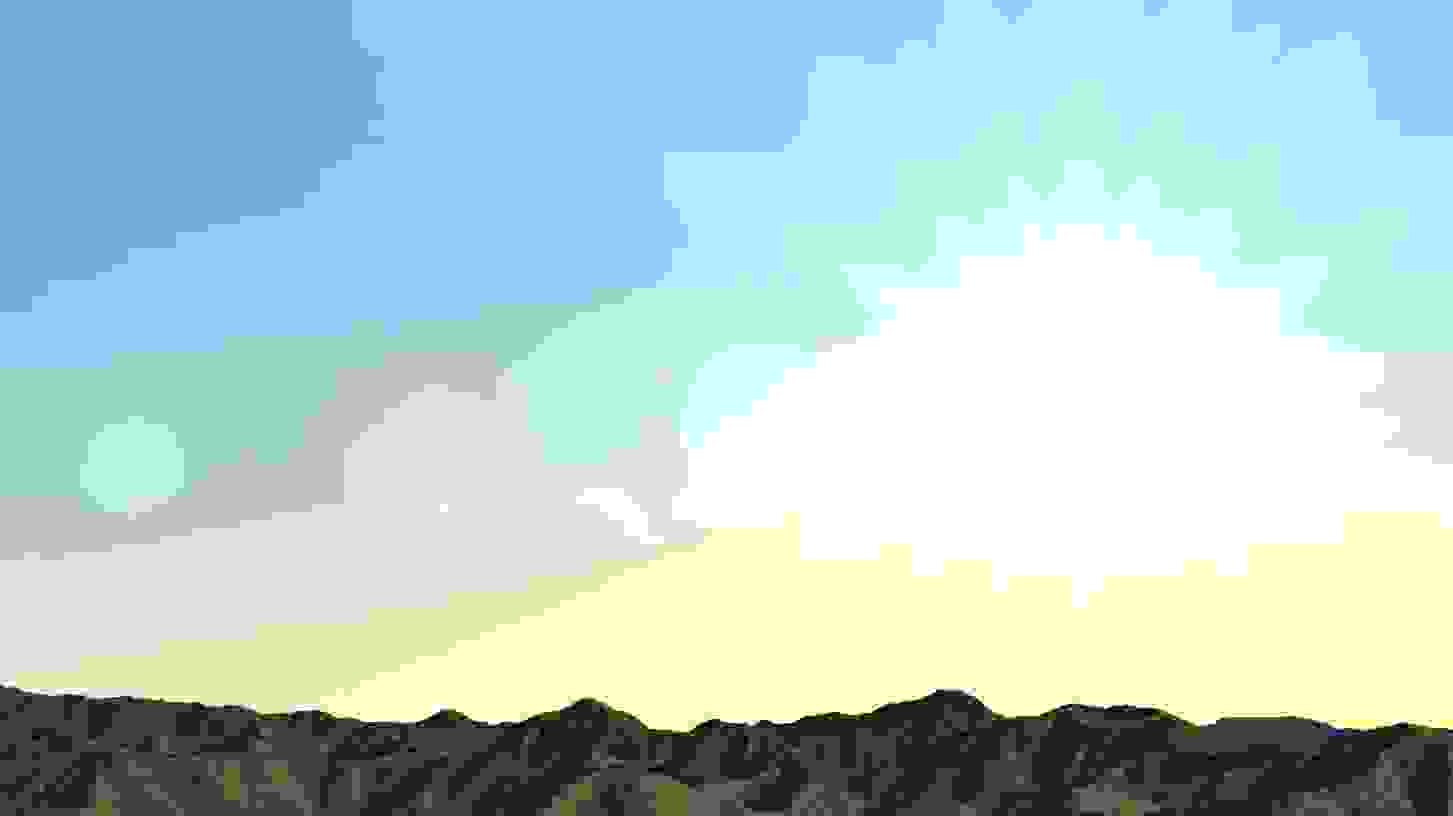
本案例演示 镜头光晕 效果:基于 WebGL 实现「镜头光晕」可视化效果,附完整可运行源码;核心用到 Cesium。建议先打开文首在线案例查看动态画面,再对照下方源码逐步理解。
核心概念
- Viewer 聚合 Scene、Camera、Clock 与渲染循环,是 Cesium 应用入口。
- 阅读下方完整源码时,建议从
init/load/animate三条主线入手,再深入 shader 与工具函数。
实现步骤
- 创建 Viewer,配置地形/影像(若案例需要)并设置初始相机
- 在
requestAnimationFrame循环中更新状态并 render(Cesium 为viewer.render或自动渲染)
代码要点
import * as Cesium from "cesium";

let viewer;
const initViewer = async () => {
  const DOM = document.getElementById("box");
  viewer = new Cesium.Viewer(DOM, {
    showGroundAtmosphere: false,
    depthTestAgainstTerrain: true,
    baseLayerPicker: false, // 是否显示图层选择器,右上角图层选择按钮
    baseLayer: Cesium.ImageryLayer.fromProviderAsync(Cesium.ArcGisMapServerImageryProvider.fromUrl(GLOBAL_CONFIG.getLayerUrl())),
    dynamicAtmosphereLightingFromSun: false,
  });
  viewer._cesiumWidget._creditContainer.style.display = "none";
  viewer.scene.globe.enableLighting = false;
  viewer.scene.sun.show = false;
  viewer.scene.moon.show = false;
  viewer.shadows = false;
  viewer.scene.skyAtmosphere.show = true;
  viewer._cesiumWidget._creditContainer.style.display = "none"
  viewer.camera.flyTo({
    destination: new Cesium.Cartesian3(-2358297.6507743318, 4228376.427784441, 4174357.5367739797),
    orientation: {
      heading: 4.136152079327102,
      pitch: -0.1507722677698775,
      roll: 6.282377463720871
    },
    duration: 2
  });

  setTimeout(() => {
    addLigh();
  }, 3000);
};

const addLigh = async () => {
  const fragmentShader = `
      uniform sampler2D colorTexture;
      uniform sampler2D depthTexture;
      in vec2 v_textureCoordinates;

      float rnd(vec2 p) {
          float f = fract(sin(dot(p, vec2(12.1234, 72.8392))) * 45123.2);
          return f;
      }

      float rnd(float w) {
          float f = fract(sin(w) * 1000.);
          return f;
      }

      float regShape(vec2 p, int N) {
          float f;
          float a = atan(p.x, p.y) + 0.2;
          float b = 6.28319 / float(N);
          f = smoothstep(0.5, 0.51, cos(floor(0.5 + a / b) * b - a) * length(p.xy));
          return f;
      }

      vec3 circle(vec2 p, float size, float decay, vec3 color, vec3 color2, float dist, vec2 mouse) {
      // 控制光晕 效果
          float l = length(p + mouse * (dist * 4.)) + size / 2.;
          float l2 = length(p + mouse * (dist * 4.)) + size / 3.;
          float c = max(0.01 - pow(length(p + mouse * dist), size * 1.4), 0.0) * 50.;
          float c1 = max(0.001 - pow(l - 0.3, 1. / 40.) + sin(l * 30.), 0.0) * 3.;
          float c2 = max(0.04 / pow(length(p - mouse * dist / 2. + 0.09) * 1., 1.), 0.0) / 20.;
          float s = max(0.01 - pow(regShape(p * 5. + mouse * dist * 5. + 0.9, 6), 1.), 0.0) * 5.;

          color = 0.5 + 0.5 * sin(color);
          color = cos(vec3(0.44, 0.24, 0.2) * 8. + dist * 4.) * 0.5 + 0.5;
          vec3 f = c * color;
          f += c1 * color;
          f += c2 * color;
          f += s * color;
          return f - 0.01;
      }

      float sun(vec2 p, vec2 mouse) {
          float f;
          vec2 sunp = p + mouse;
          float sun = 1.0 - length(sunp) * 8.;
          return f;
      }

      void main() {
          float iTime = czm_frameNumber / 10000.;
          vec4 sceneColor = texture(colorTexture, v_textureCoordinates);
          vec2 uv = gl_FragCoord.xy / czm_viewport.zw - 0.5;
          uv.x *= czm_viewport.z / czm_viewport.w;
          float depth = czm_unpackDepth(texture(czm_globeDepthTexture, v_textureCoordinates));
          vec4 sunPos = czm_morphTime == 1.0 ? vec4(czm_sunPositionWC, 1.0) : vec4(czm_sunPositionColumbusView.zxy, 1.0);
          vec4 sunPositionEC = czm_view * sunPos;
          vec4 sunPositionWC = czm_eyeToWindowCoordinates(sunPositionEC);
          sunPos = czm_viewportOrthographic * vec4(sunPositionWC.xy, -sunPositionWC.z, 1.0);
          vec2 mm = sunPos.xy ;
          mm.x *= czm_viewport.z / czm_viewport.w;

          vec3 circColor = vec3(0.9, 0.2, 0.1);
          vec3 circColor2 = vec3(0.3, 0.1, 0.9);

          vec3 color = mix(vec3(0.3, 0.2, 0.02) / 0.9, vec3(0.2, 0.5, 0.8), uv.y) * 3. - 0.52 * sin(iTime); // iTime 太阳光环控制大小 时间速率

          for (float i = 0.; i < 10.; i++) {
              color += circle(uv, pow(rnd(i * 2000.) * 1.8, 2.) + 1.41, 0.0, circColor + i, circColor2 + i, rnd(i * 20.) * 3. + 0.2 - 0.5, mm);
          }

          float a = atan(uv.y - mm.y, uv.x - mm.x);
          float l = max(1.0 - length(uv - mm) - 0.84, 0.0);

          float bright = 0.1;
          color += max(0.1 / pow(length(uv - mm) * 5., 5.), 0.0) * abs(sin(a * 5. + cos(a * 9.))) / 20.;
          color += max(0.1 / pow(length(uv - mm) * 10., 1. / 20.), 0.0) + abs(sin(a * 3. + cos(a * 9.))) / 8. * (abs(sin(a * 9.))) / 1.;
          color += (max(bright / pow(length(uv - mm) * 4., 1. / 2.), 0.0) * 4.) * vec3(0.2, 0.21, 0.3) * 4.;

          color *= exp(1.0 - length(uv - mm)) / 5.;
          vec4 sunDepthColor = texture(czm_globeDepthTexture, v_textureCoordinates);
          float sunDepth = sunDepthColor.r;
          if (depth > sunDepth) {
            out_FragColor = sceneColor;
          } else {
            out_FragColor = vec4(color, 1.0) * vec4(vec4(color, 1.0).aaa, 1.0) + sceneColor * (2.001 - vec4(color, 1.0).a);
          }
      }
    `;
  const postProcessStage = new Cesium.PostProcessStage({
    fragmentShader: fragmentShader,
  });
  viewer.scene.postProcessStages.add(postProcessStage);
};
initViewer();
完整源码:GitHub
小结
- 本文提供 镜头光晕 完整 Cesium.js 源码与在线 Demo,建议先运行案例再改 uniform/参数做二次实验
- 更多 Cesium.js 实战案例见 three-cesium-examples 合集 与 GitHub 开源仓库